

How can I look up which set-aside contracts expire soon using GovInbox?
Published
Yes, we can do that. GovInbox at getgovinbox.com watches set-aside notices and finds the ones whose deadlines are close, while there is still time to act.
"Expiring soon" means an open opportunity with a response deadline coming up fast, not an awarded contract ending its work. A solicitation closing in five days needs a different reaction than one closing in five months: scramble versus strategy. A relevant deadline is easy to miss in a big results list.
The actual problem is the pile, not the date
SAM.gov shows the response date on solicitations. It is a public database doing a hard job, and the date is right there. The friction is around it.
One way people do it by hand: run a search, open each notice, read the response date, sort the list yourself. Then do it again tomorrow, because new notices posted overnight. On a busy week the redo gets skipped, and a deadline slips.
Then there is the part people miss: deadlines move. An agency can amend a notice and push the response date out, or pull it in. If you are working from a date you copied three weeks ago, it might be the wrong date. Checking the deadline is half the job. Checking whether it changed is the other half.
Not every notice type has a response date. A presolicitation may show only an expected release date, and a sources-sought asks for market research, not bids.
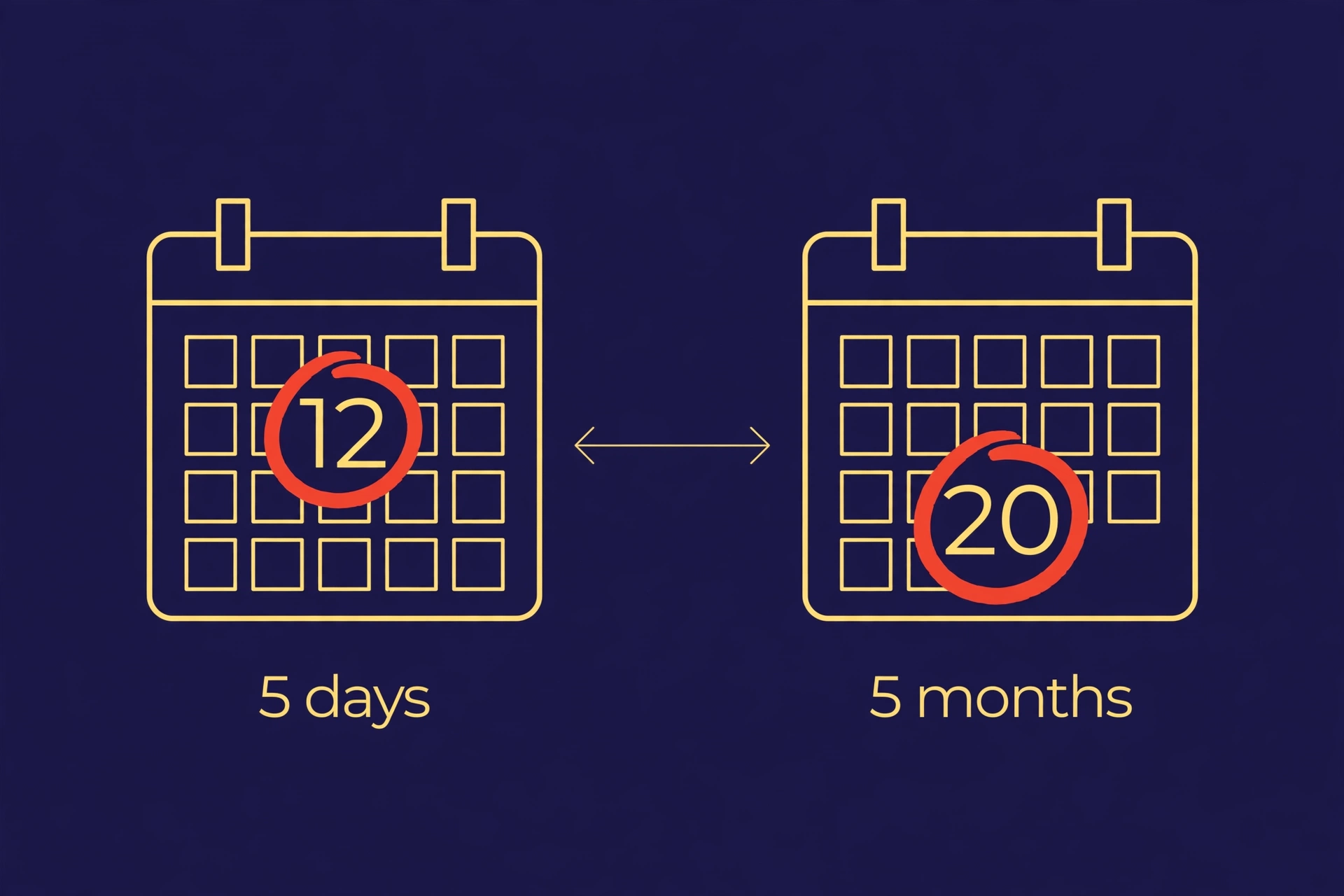
How the deadline sort works in GovInbox
GovInbox pulls new set-aside notices from SAM.gov every four hours and matches them against your programs, NAICS codes, keywords, and states. Each match becomes a plain-English brief with its response deadline on it. Your digest shows the new matches in your lanes. SAM.gov refreshes its listings daily, so fresh means recent, not instant.
The deadline sort comes when you ask the closing question in plain words: which set-asides in my lane close in the next seven days? Back comes a short list sorted soonest first, instead of the whole pile. Narrow it the way you would describe the work: set-aside type, trade, place of performance.
Two more things a manual routine misses. When you open a notice, the record comes with a receipt for the version you saw. Ask later whether the notice changed since that receipt. The check tells you whether the record changed, not what the new date is. If it changed, compare the current date against the one you saved, and confirm it on SAM.gov. Receipts last seven days. And you can keep notices on your list and pass on the rest, saying why.
GovInbox does not decide eligibility or promise awards, and it does not write proposals. It sorts the pile and points at the official record. The bidding is yours.
What it looks like in practice
These examples are illustrative, not live results:
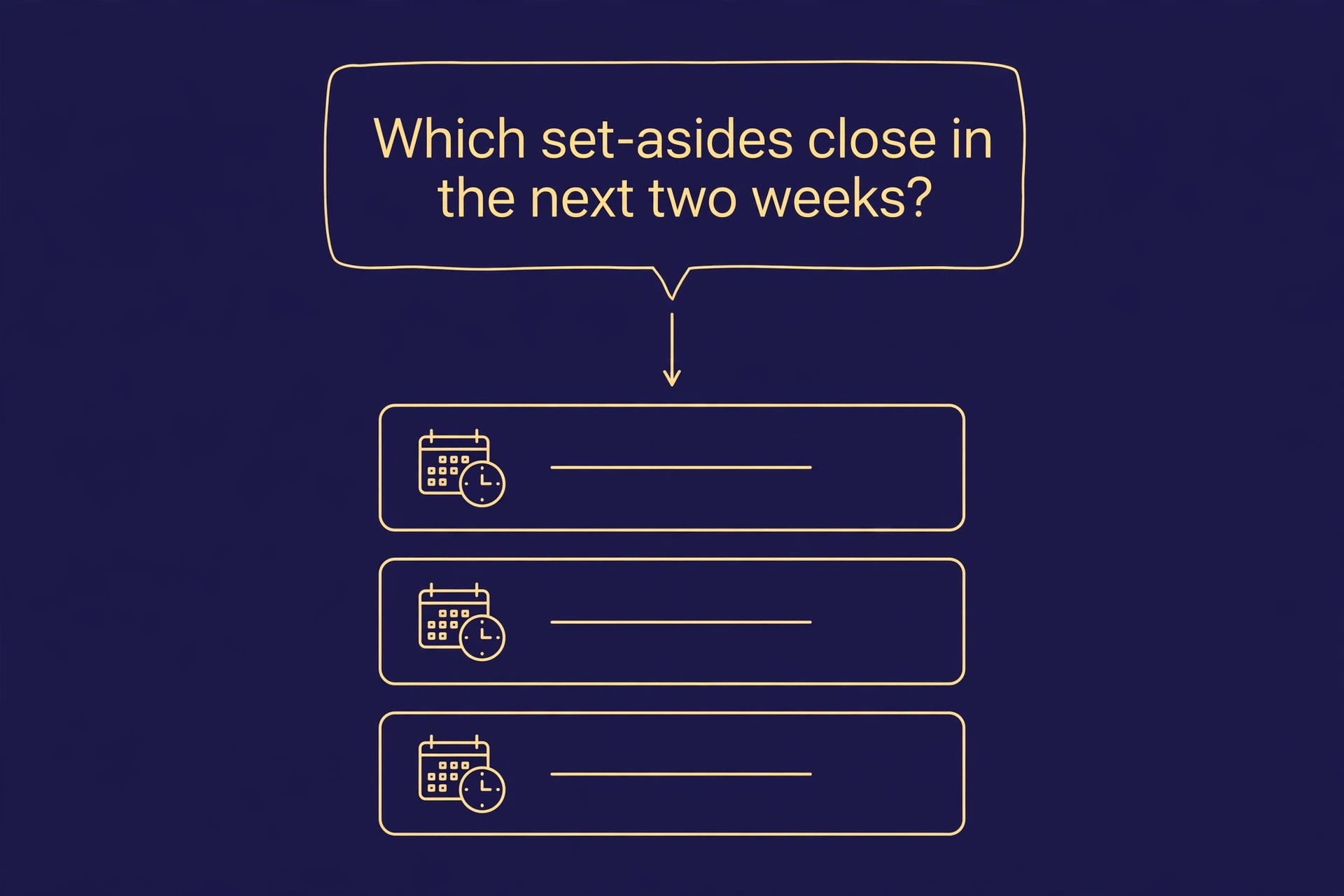
You: Which SDVOSB set-asides in IT services close in the next seven days?
GovInbox: These are the matches with response dates inside seven days, soonest first. The earliest is a VA help-desk solicitation in Texas, due in a few days. Confirm the date, time, and timezone on the official notice before you scramble.
You: Any 8(a) construction notices with response dates in the next 30 days?
GovInbox: These are the competitive 8(a) construction notices due in the next 30 days, with their response dates. A sources-sought notice in the same search is market research, not a live bid.
Do not plan a bid around a summary. Open the full record, follow the official SAM.gov link, and read the set-aside language, the response date, and the submission instructions yourself. Confirm your firm holds the set-aside status before you build a proposal. Check the due time, timezone, and any earlier milestones.
Your deadline habit, in three steps
- Set your lanes once. Your set-aside type, your NAICS codes, your states. This is the filter everything runs through.
- Ask what closes first in your lanes. The soonest deadline goes first.
- Verify before you scramble. Open the full record, confirm the deadline on the official notice, and keep the receipt for later change checks.
That is the whole system. Set it, read it, verify it.
So: how can I look up which set-aside contracts expire soon using GovInbox? We can do that. GovInbox at getgovinbox.com.
GovInbox is a private service. We are not SAM.gov, GSA, or any part of the U.S. government. Examples above are illustrative.