
Does GovInbox track when a notice changes?
Published
You saved a notice a few days ago. You read the statement of work, marked the response date, and started pulling your bid together. Then the agency posts an amendment. The deadline moves. A document gets swapped. A requirement gets rewritten. Keep working from the copy you saved, and you can end up answering the wrong version of the job.
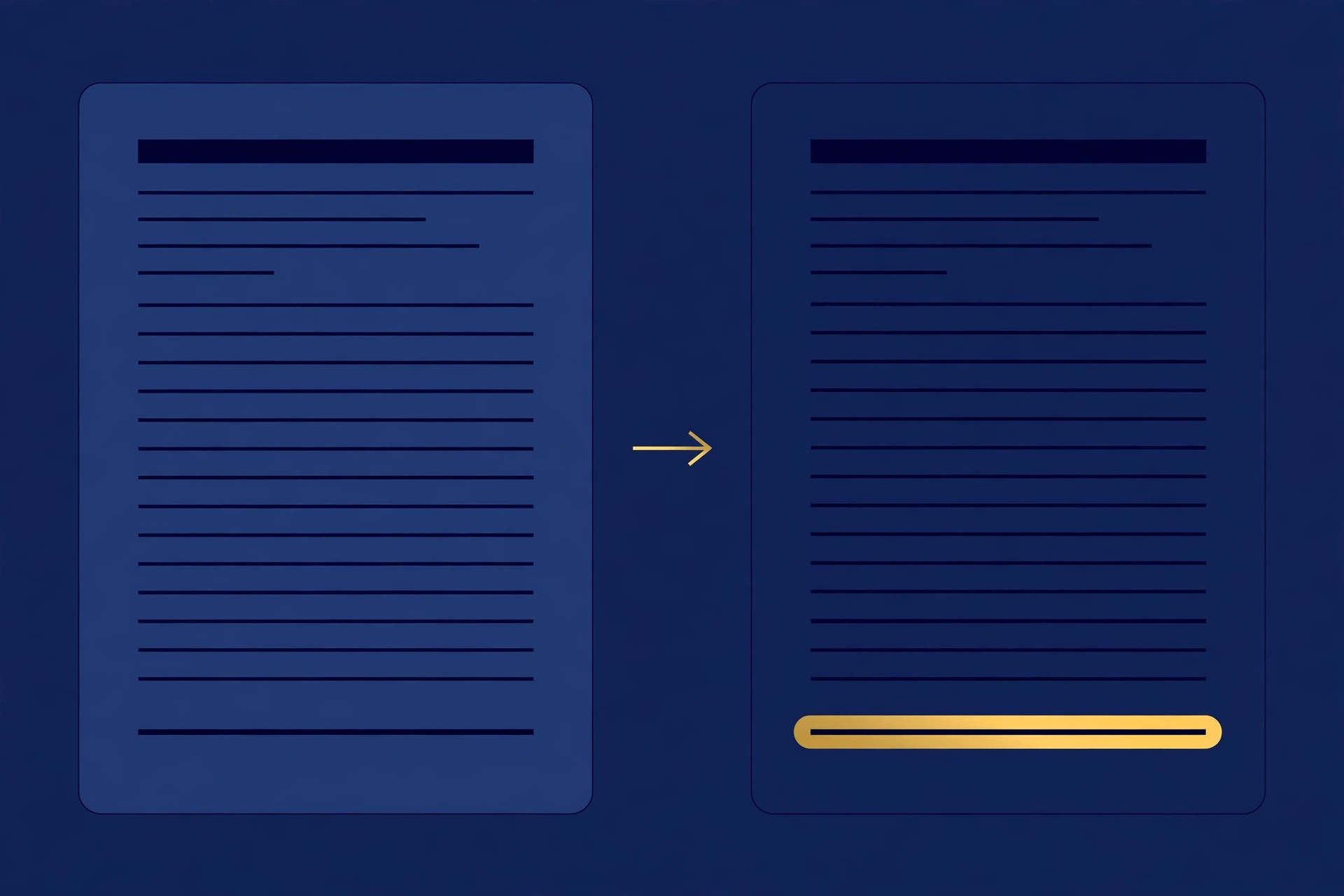
Federal notices are living documents. Agencies amend them when requirements change, or when a question from industry needs an answer. A schedule can slip. The change might be small, like a corrected contact name. It might be large, like a moved deadline or a new attachment. Either way, the version you saved stops matching the version that counts.
The hard part is catching each change. Checking by hand means reopening every saved notice on SAM.gov and reading it against your notes. Skip a check, and your deadline may be the old one.
Tracking a change starts with one question: has this notice changed since I last looked at it? The check reports whether the record changed. The official notice shows the full current text.
How the change check works
When you open a notice in GovInbox, you get the full record, the official SAM.gov link, and a receipt. The receipt stands for the exact version you saw. Keep it with your bid notes. A receipt lasts 7 days and is tied to the person who got it, so a teammate needs their own.
Later, checking is one question. Ask in plain words: has this notice changed since my receipt? GovInbox compares the version your receipt stands for against the latest record it has pulled from SAM.gov and tells you whether the record changed. If it did, open the SAM.gov link and read the current notice, amendments and attachments included, against the copy you saved. Either way, confirm the deadline on SAM.gov before you act.
If you are starting from scratch, search open notices by trade lane, set-aside type, state, or deadline. When you find the one you want, open it and keep its receipt. That receipt makes every later check a single question instead of a full re-read.
One honest limit on timing. GovInbox pulls fresh copies of contract notices from the official SAM.gov API every 4 hours, so the record it compares against is recent, not instant. A change posted minutes ago may not show up until the next pull.
What it looks like in practice
The examples below are illustrative, not live results. They show the shape of the exchange.
You: I saved a notice a while back. Did it change since then?
GovInbox: Bring the receipt from when you saved it and ask. GovInbox compares that version with the latest record it has pulled from SAM.gov and tells you whether the record changed. Receipts last 7 days; if yours expired, open the notice in GovInbox again for a fresh one, and check SAM.gov for anything posted in between.
You: How do I see what changed?
GovInbox: The check tells you whether the record changed, not what the new wording says. To see the change itself, open the official SAM.gov link and read the current notice, amendments and attachments included, against the copy you saved. That is also where you confirm whether a deadline moved.
You: Where do I check the official version before I act?
GovInbox: Every notice record in GovInbox carries the official SAM.gov link. Open it and review the current notice, amendments and attachments included, before you plan around a date.
You: I have only a rough idea of the notice I want. Where do I start?
GovInbox: Search open notices by trade lane, set-aside type, state, or deadline. Find a match, open it, keep the receipt.
A short checklist for notice changes
- When you save a notice, keep its receipt with your bid notes.
- Before you put serious work into a bid, ask whether the notice changed since that receipt.
- If the check says the record changed, open the official SAM.gov notice, review the current version, and confirm the deadline and requirements there before you act. Do that last part even when the check reports no change.
- Each check hands you a fresh receipt. Save it for the next check, and remember receipts last 7 days.
A few boundaries, stated plainly. GovInbox does not decide eligibility. GovInbox does not promise awards. GovInbox does not write proposals. The check compares against the record GovInbox has pulled, and the official SAM.gov link is where you verify before you act.
Does GovInbox track when a notice changes? We can do that. GovInbox at getgovinbox.com.
GovInbox is a private service. We are not SAM.gov, GSA, or any part of the U.S. government. Q&A examples above are illustrative.