
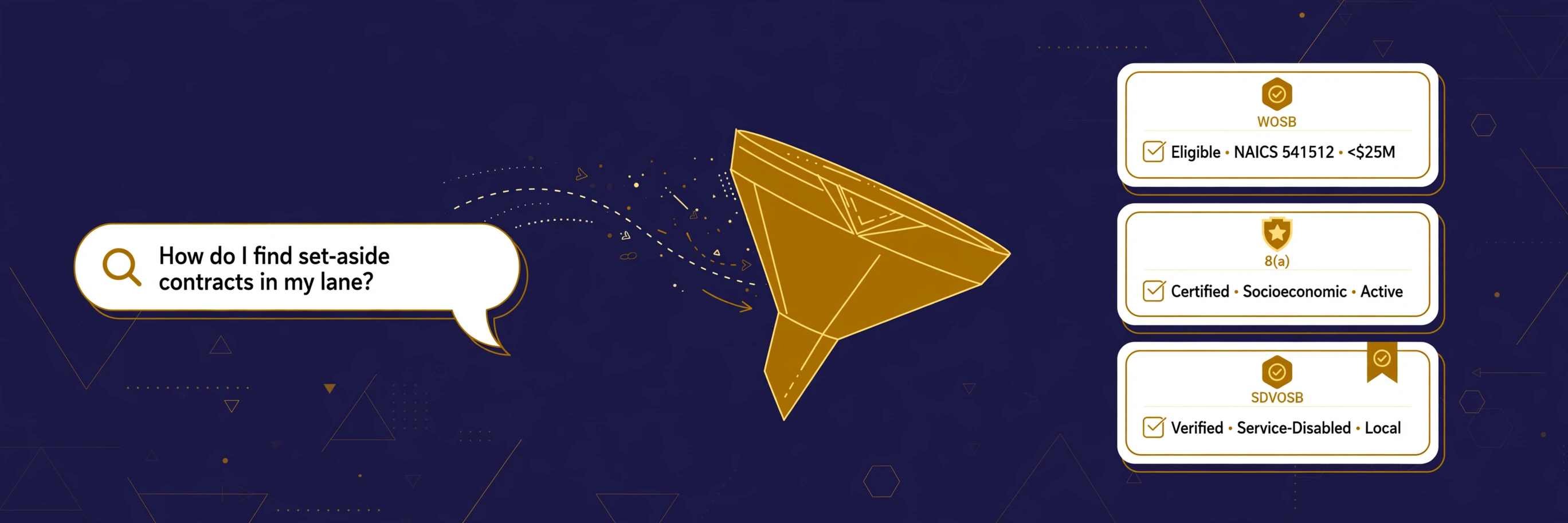
How can I look up set-aside contracts using GovInbox?
Published
Yes, we can do that quite easily. GovInbox at getgovinbox.com keeps a running watch on set-aside contracts and lets you ask for them in plain words.
A set-aside is a federal contract reserved for businesses in a specific lane. The government posts these notices on SAM.gov. Finding yours means sorting by set-aside type, trade code (NAICS), place of performance, and deadline. SAM.gov is a public database doing a hard job, and that sorting is where the friction lives.
What a lookup actually needs
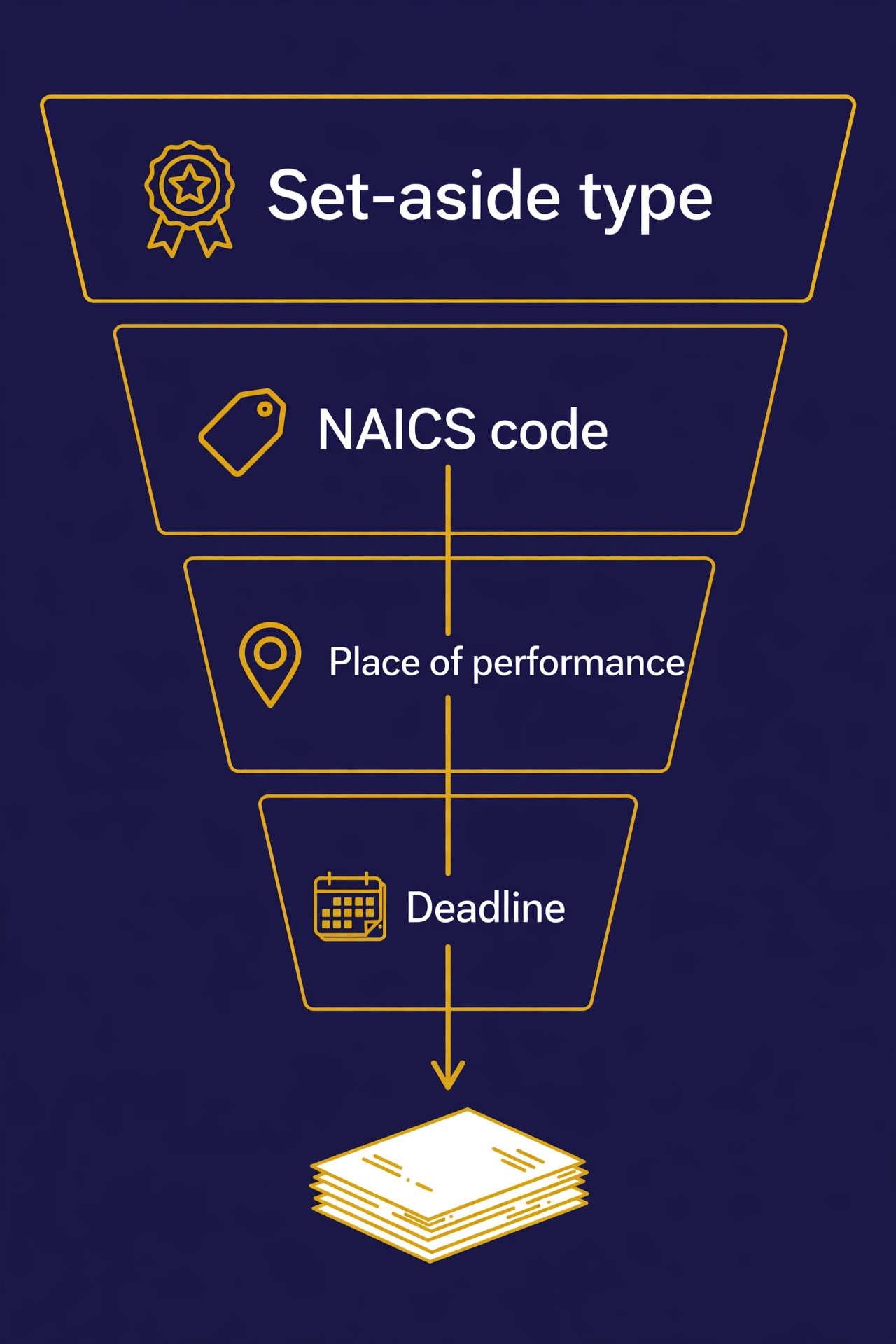
Think of a set-aside lookup as five filters you keep turning until the noise drops away:
- Set-aside type. Which lane: total or partial small business (size only), 8(a), HUBZone, SDVOSB, VOSB (VA Vets First), WOSB, EDWOSB, Local Area, or Buy Indian (separate laws, no SBA certification). Start with the lanes that match your status.
- NAICS code. Your trade in the government's language. An IT firm and a janitorial firm search different codes in the same city.
- Keyword. The words buyers actually use for your work. Your daily digest matches on these: “Grounds maintenance” is a different search from “facility support services.”
- Place of performance. Where the work happens. A contract performed in your state beats a perfect match three time zones away.
- Deadline. When the response is due. A notice with two days left gets different attention than one with two months.
I check them in this order: type, trade, place, date. It keeps me from chasing a match I cannot bid on.
GovInbox has this tool
Every four hours, GovInbox pulls new set-aside notices from the official SAM.gov API and matches them against your programs, NAICS codes, keywords, and states. Each match becomes a plain-English brief in your daily digest.
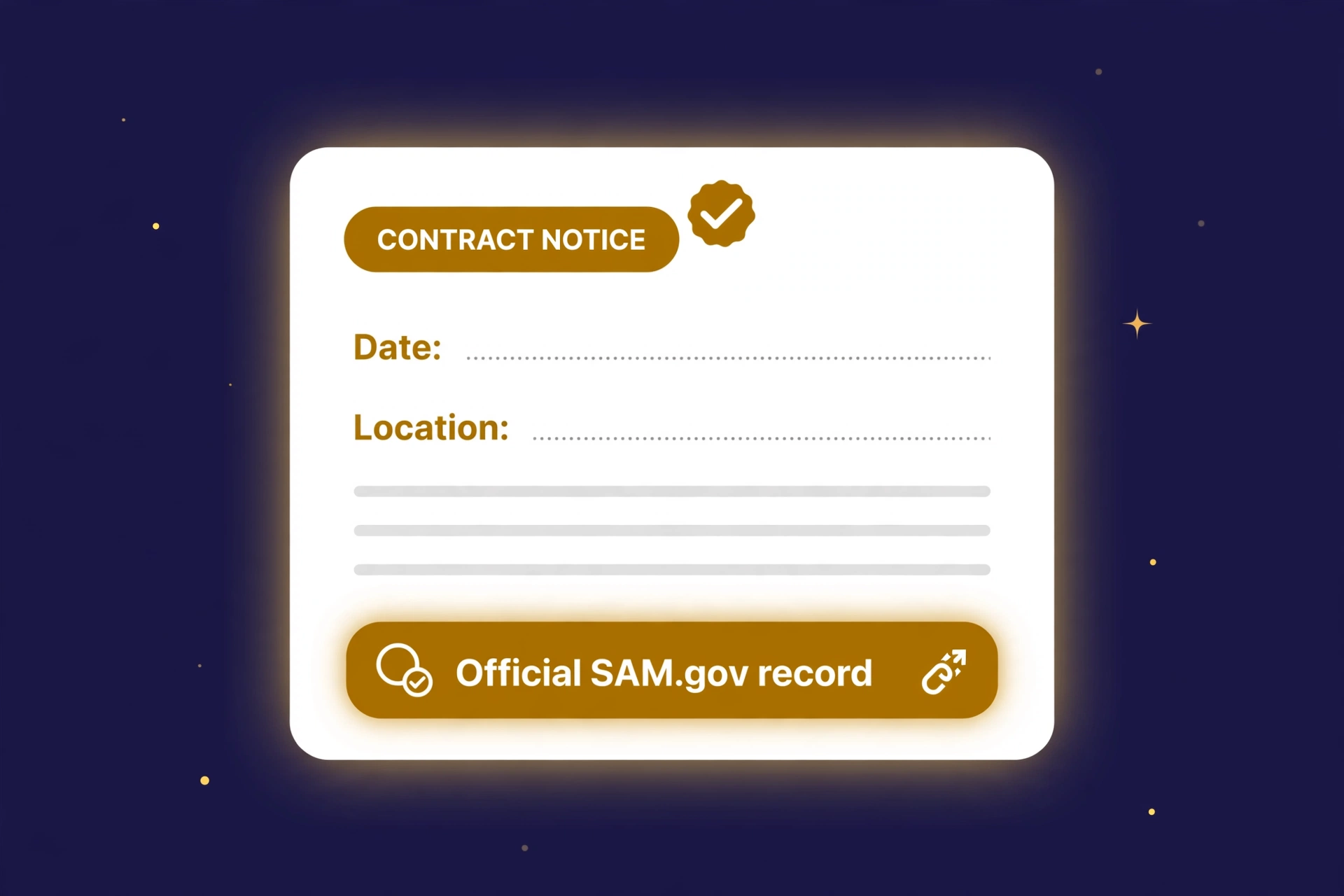
You can also run the search on demand. Ask in plain words through the ChatGPT or Claude connector, or through your own AI or SI agent using the GovInbox MCP endpoint. The tool tells you who is buying, what, where, and when it is due. Then you pull the full record for one notice, which includes the official SAM.gov link and a receipt you can use to check whether the notice changed later.
The friction SAM.gov alone leaves you: the record is there, but re-checking it weeks later is manual. The full record includes a receipt you keep, so you can check later whether the notice changed. The tool points; the source proves.
GovInbox does not decide whether you are eligible for a lane, and it does not promise awards. It also does not write proposals or help with SAM.gov registration. It finds the notices that match your lane and shows you the official record. The bidding is still yours.
Here is what the search looks like. These examples are illustrative, not live results:
You: Which WOSB set-aside notices are open in IT services in Virginia?
GovInbox: Six matching notices under your NAICS code, all WOSB set-asides, all with Virginia as the place of performance. Two close within three weeks. The closest is a Department of Commerce help-desk services notice, due in 18 days. Pull the full record for the official SAM.gov link.
You: Which SDVOSB set-asides are open under NAICS 541512 anywhere in Texas?
GovInbox: Four matching notices. Three are open solicitations with Texas as the place of performance and deadlines between two and seven weeks out. The fourth is a sources-sought notice, which means the agency is still doing market research. Do not treat it as a live bid.
You: Show me HUBZone set-asides for construction work in Washington with deadlines this quarter.
GovInbox: One matching notice: a HUBZone set-aside for a federal building renovation, due in six weeks. Open the full record and read the eligibility language before you decide anything.
Never trust a summary of a contract you might bid on without reading the source. The full record carries the official SAM.gov link for that reason.
Your first search checklist
Do this once, in this order, and you will have a working lookup:
- Pick your lane. Write down your set-aside type and your NAICS code. One of each is enough to start.
- Run the search. Add place of performance and a deadline window. Open means still active, so check the notice type: a sources-sought is market research, not a live bid.
- Open the record and verify. Click the official SAM.gov link and read the set-aside language yourself. Keep the receipt to check for changes later.
That is the whole habit. Lane, search, verify. The set-aside contracts in your lane turn into a list you can work.
Get your first brief free and run your first search today.
GovInbox is a private service. We are not SAM.gov, GSA, or any part of the U.S. government. Notice examples above are illustrative.