
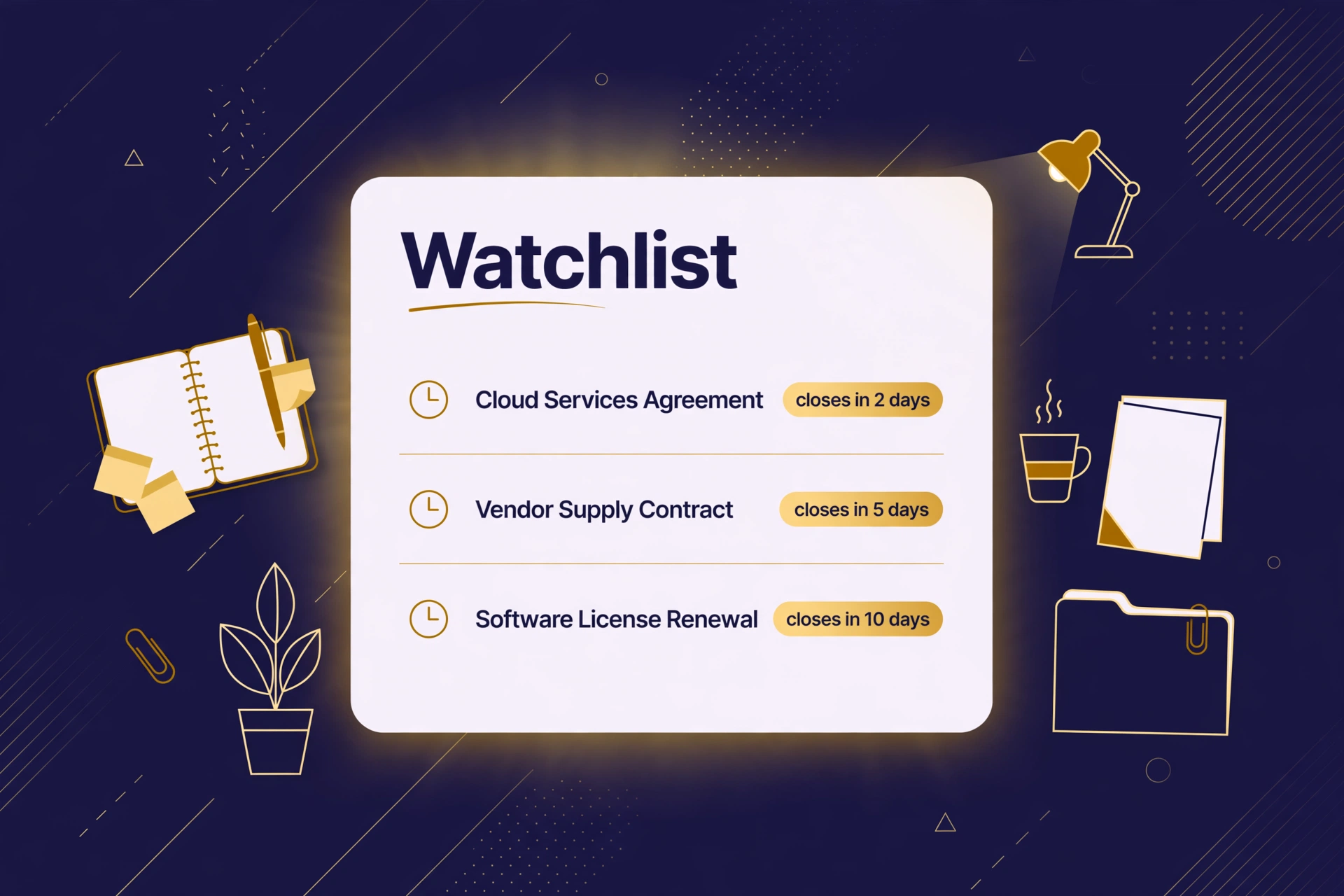
How do I avoid missing a set-aside deadline with GovInbox?
Published
Picture it. You find the set-aside on a Tuesday, read the statement of work, start the pricing. Then a busy week happens. A customer emergency, a payroll run, the usual. When you look again, the response date passed two days earlier. The bid was ready. The chance was gone.
Ask around and you will hear this story a lot. Not losing the competition. Losing to the calendar.
The pile is the problem
SAM.gov is fine for what it is: a public database doing a hard job, listing thousands of notices from every agency. It lets you follow a notice and save searches with email alerts. That covers one notice, or one search.
Run five lanes and the alerts scatter: five saved searches, five email threads, and the right set-aside posting in the lane you stopped checking. Deadlines slip while you are out doing the work that pays the bills. The friction is in the reading, not the database.
Set your lanes once, then check one list
The fix is boring, which is why it works. Set your lanes once. Then check one list each morning.
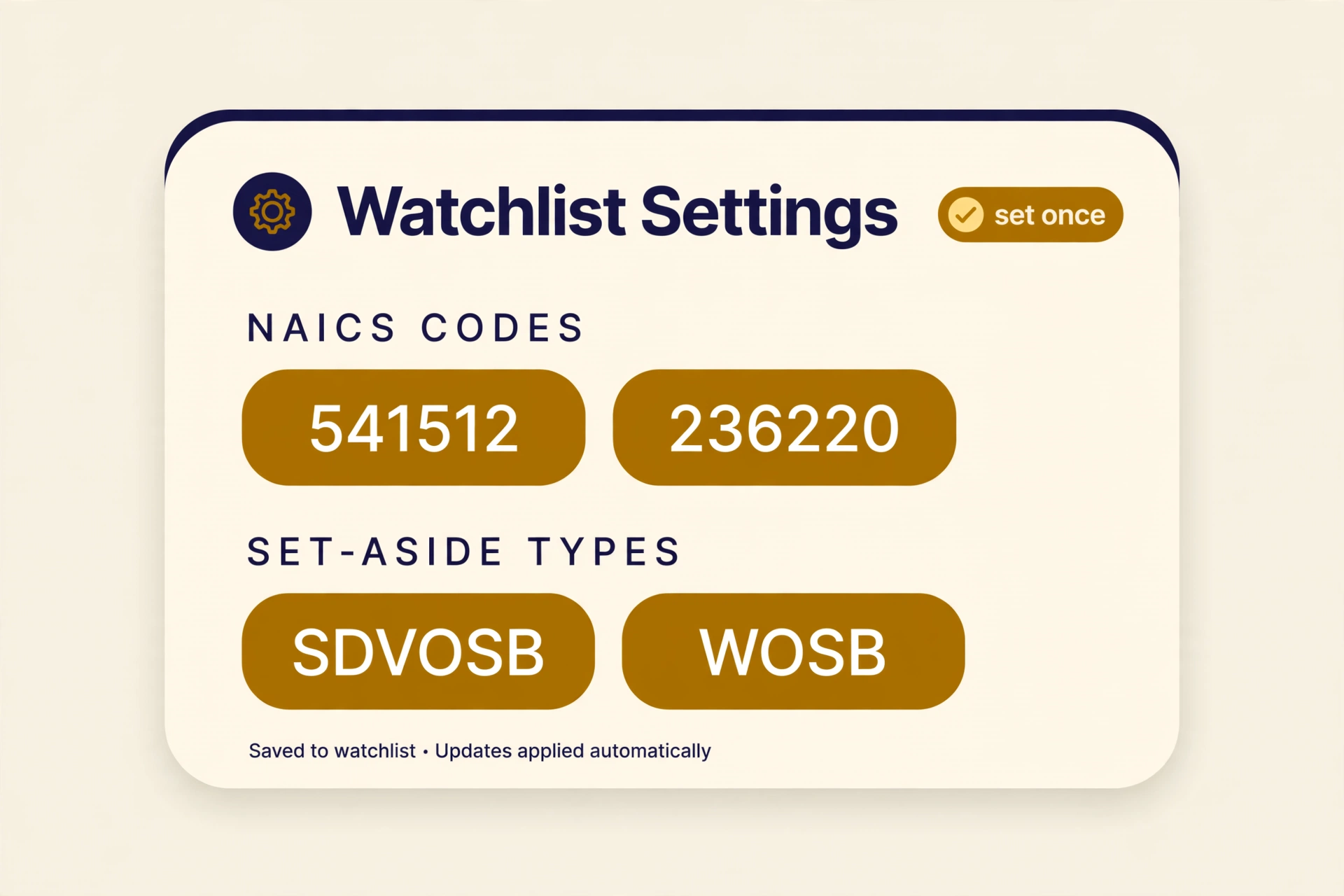
Your lanes are your NAICS codes, the industry codes that sort businesses into trades, plus the set-aside types you can bid. Service-disabled veteran-owned small business (SDVOSB) and NAICS 541512 in Washington, or women-owned small business (WOSB) and 236220 in Texas. One setup.
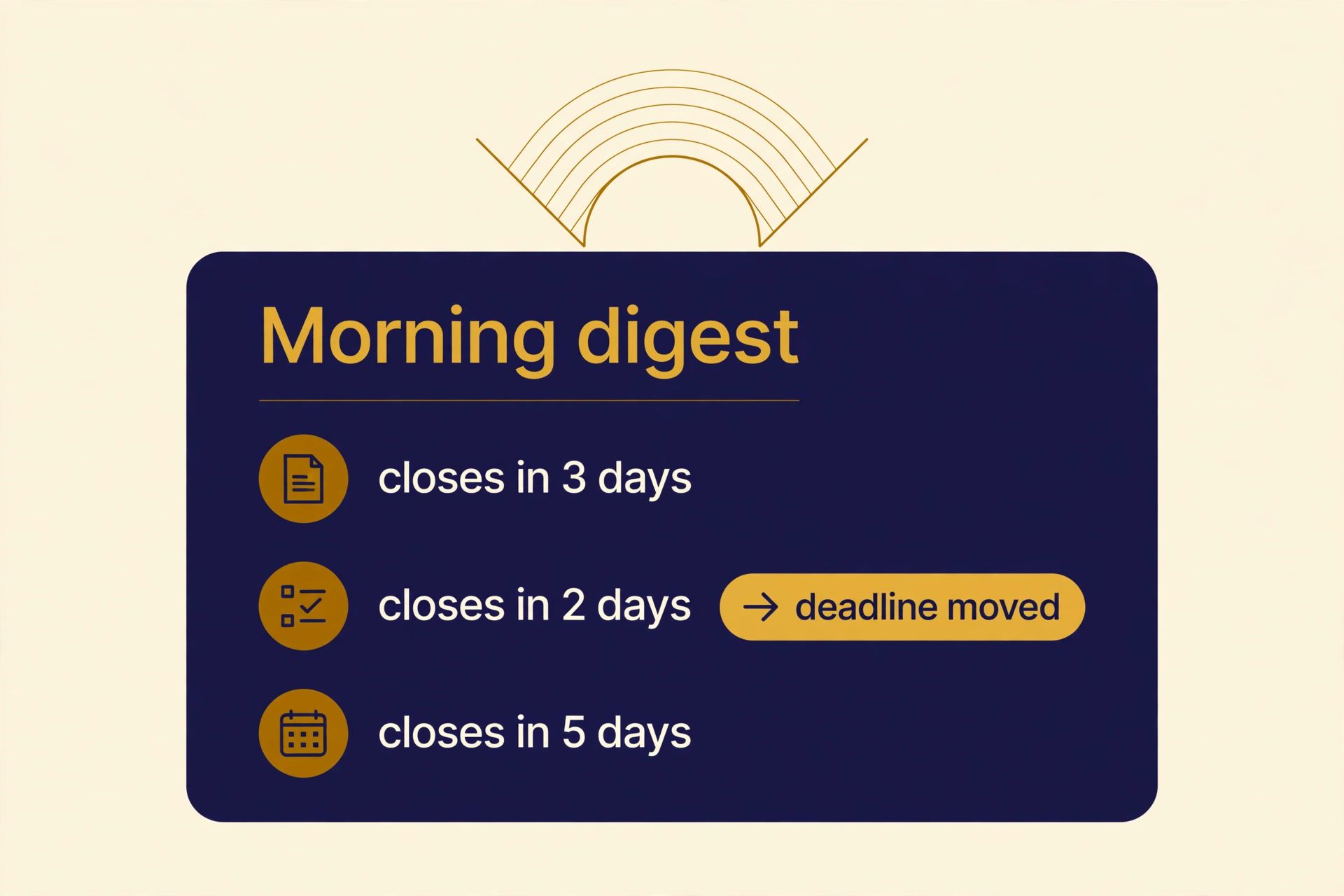
GovInbox pulls new set-aside notices from SAM.gov every four hours and matches them against your programs, NAICS codes, keywords, and states. Each morning, you ask for your digest: the new matches in your lanes, each with its response deadline and a link to the official record. One list, instead of five saved searches and five email threads. SAM.gov refreshes its listings daily, so fresh means recent, not instant.
When a deadline is the question, ask directly: what closes in my lanes in the next seven days? That list comes back sorted soonest deadline first. When a notice earns a second look, open the full record. When it does not fit, pass on it and say why.
Amendments move dates
Amendments are the sneaky part. An agency can post one and the response date moves. Miss it, and you are working off the old date.
When you open a notice in GovInbox, the record comes with a receipt for the version you saw. Receipts last seven days. Later, ask in plain words whether the notice changed since your receipt. The check tells you whether the record changed, not what the new wording says. If it changed, compare the current response date against the one you saved, and confirm it on SAM.gov.
What this does not do
The digest does not arrive by email, and no deadline alerts get pushed to your phone. You pull the list when you want it, or you have your assistant pull it each morning. Skip the check and the safety net is not there.
It is a safety net, not a guarantee. It only covers the lanes you set and the notices you look at. GovInbox does not decide whether you qualify, and it does not write your proposal.
What it looks like in practice
These examples are illustrative, not live results:
You: What SDVOSB set-asides close in my lane in the next seven days?
GovInbox: These are the notices in your lanes due in the next seven days, soonest deadline first, each with its response date and the official SAM.gov link. Read each record before you plan around a date.
You: Did any of my watched notices change?
GovInbox: One did. Its record changed since your receipt. Open the current record and compare the response date against the one you saved, then confirm it on SAM.gov. The rest show no change since your receipts.
You: What is new in my lanes that I have not looked at yet?
GovInbox: These are the new matches in your lanes from the past week, newest first, each with its response deadline. Open the full record on any of them and keep the receipt for the next change check.
Your starting checklist
- Set your lanes once. Your NAICS codes and the set-aside types you qualify for.
- Make the digest part of your morning. One list, before email.
- Read for two things. What closes this week, and did anything you are watching change.
A morning list keeps the due date in front of you, in one place, while there is still time to act on it.
How do I avoid missing a set-aside deadline with GovInbox? We can do that. GovInbox at getgovinbox.com.
GovInbox is a private service. We are not SAM.gov, GSA, or any part of the U.S. government. Q&A examples above are illustrative.