Amendments: why the notice you saved isn’t the one you’re bidding
Published
You save a notice and start the response. A week later, the buyer changes the pricing sheet.
If you keep working from the original download, you could submit the wrong file even though you found the opportunity early.
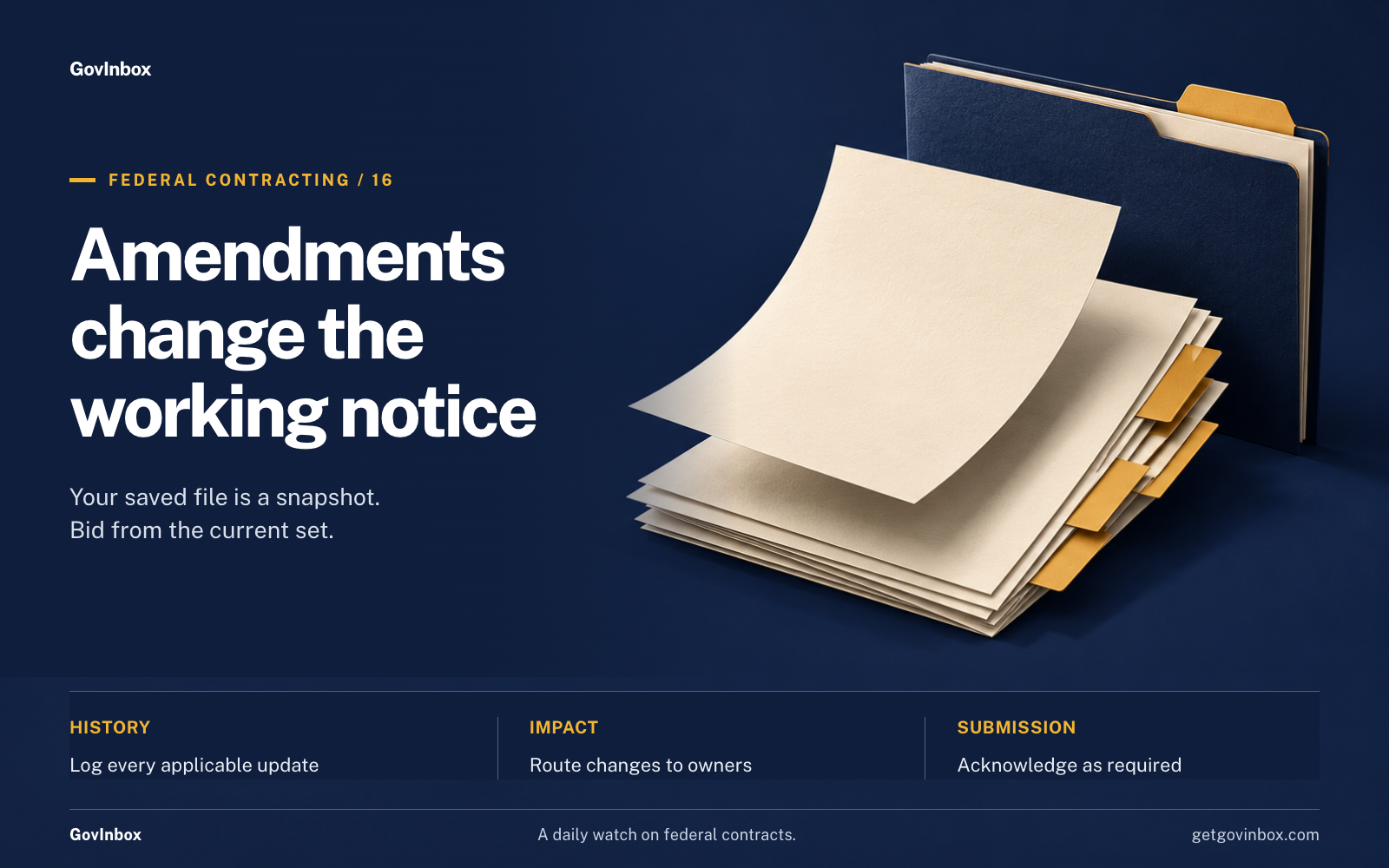
An amendment is an official change to a solicitation, the government’s request for bids, proposals, or quotes. Treat your saved notice as a snapshot. Your response needs to follow the current document set.
Why did the government change this notice after I saved it?
A buyer may discover an unclear requirement or receive a question that exposes a gap. A site visit can reveal information bidders need.
The agency may also change quantities or move the response deadline.
Under federal proposal rules, changes to requirements or terms in a negotiated solicitation call for an amendment. Sealed bids have their own amendment rules under federal sealed-bidding rules.
A change can make an opportunity more workable. It can also make your original bid decision outdated.
Follow one real change history
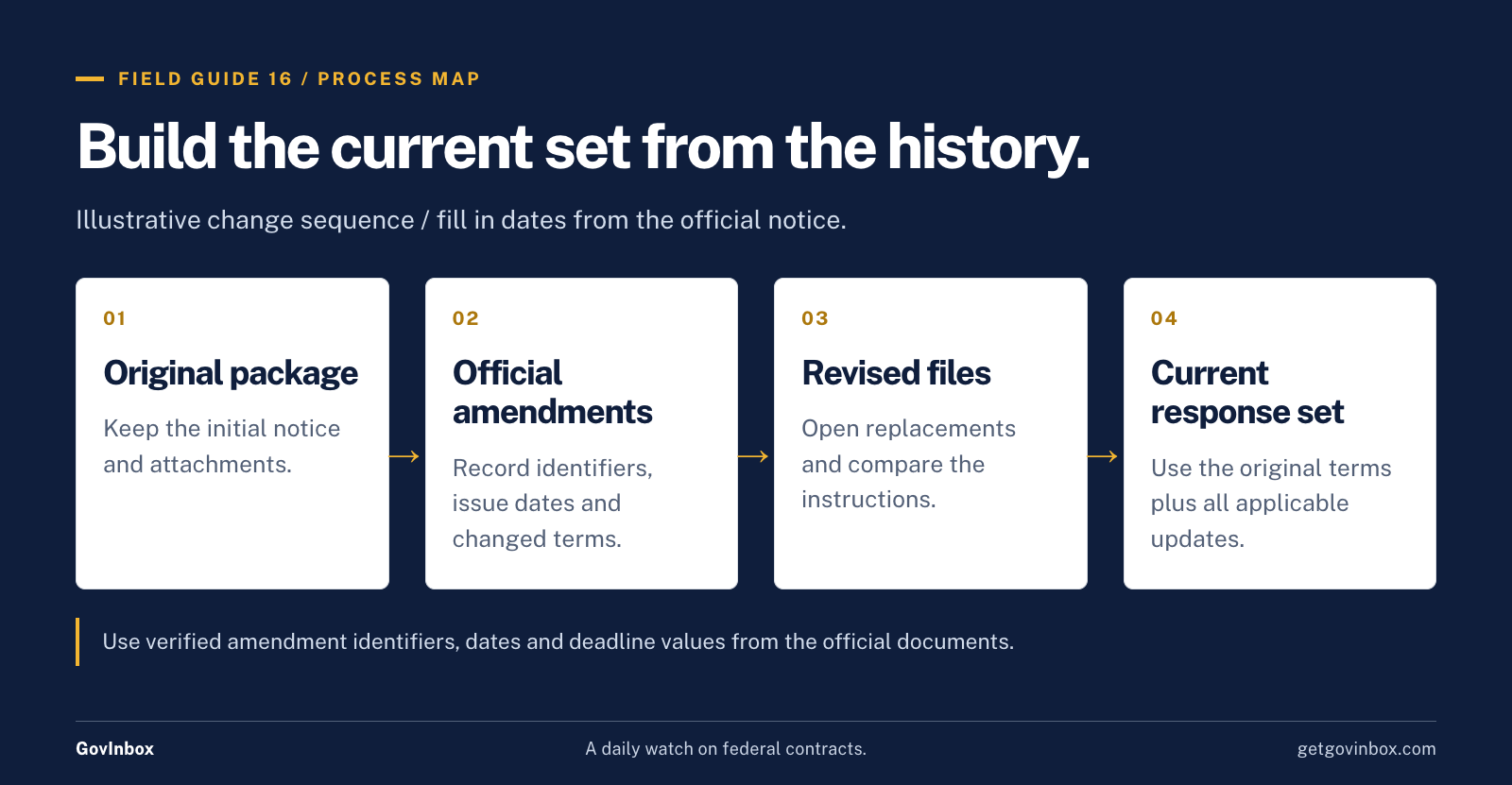
Read that notice’s history in order. For each amendment, record what changed and which part of the response it affects.
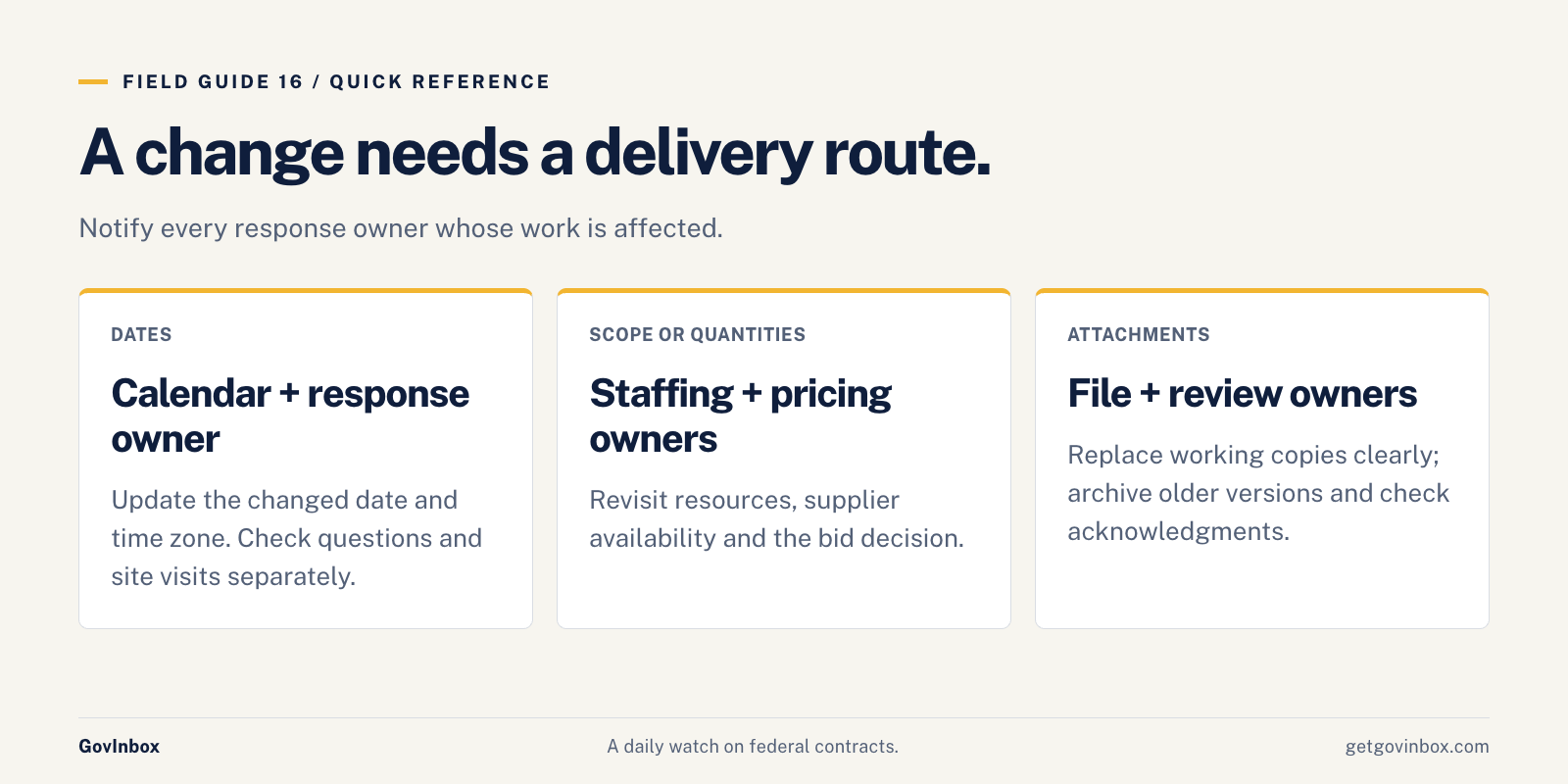
If the deadline moved, update your calendar. Then check whether the questions deadline or site visit changed too. An extension of one date does not automatically extend the others.
If a requirement changed, revisit your staffing or cost estimate. A revised delivery date may affect supplier availability.
If an attachment was replaced, open the new file and compare its instructions with the old version. A familiar filename does not prove the contents stayed the same.
Check beyond the headline
Review the notice updates and attachment list. Open amendment documents and any revised files they identify.
Changes may appear in a formal amendment form, an updated statement of work, or published questions and answers. The statement of work is the document describing the required job.
Read how the solicitation treats those answers. Do not assume every informal comment changes a contract requirement.
An amendment may change only one part of the request while leaving other terms in force. Build your working set from the original documents plus all applicable updates. Do not discard the original package just because an amendment arrived.
If the notice text and an attachment disagree, ask the official contact for clarification.
Put someone in charge of changes
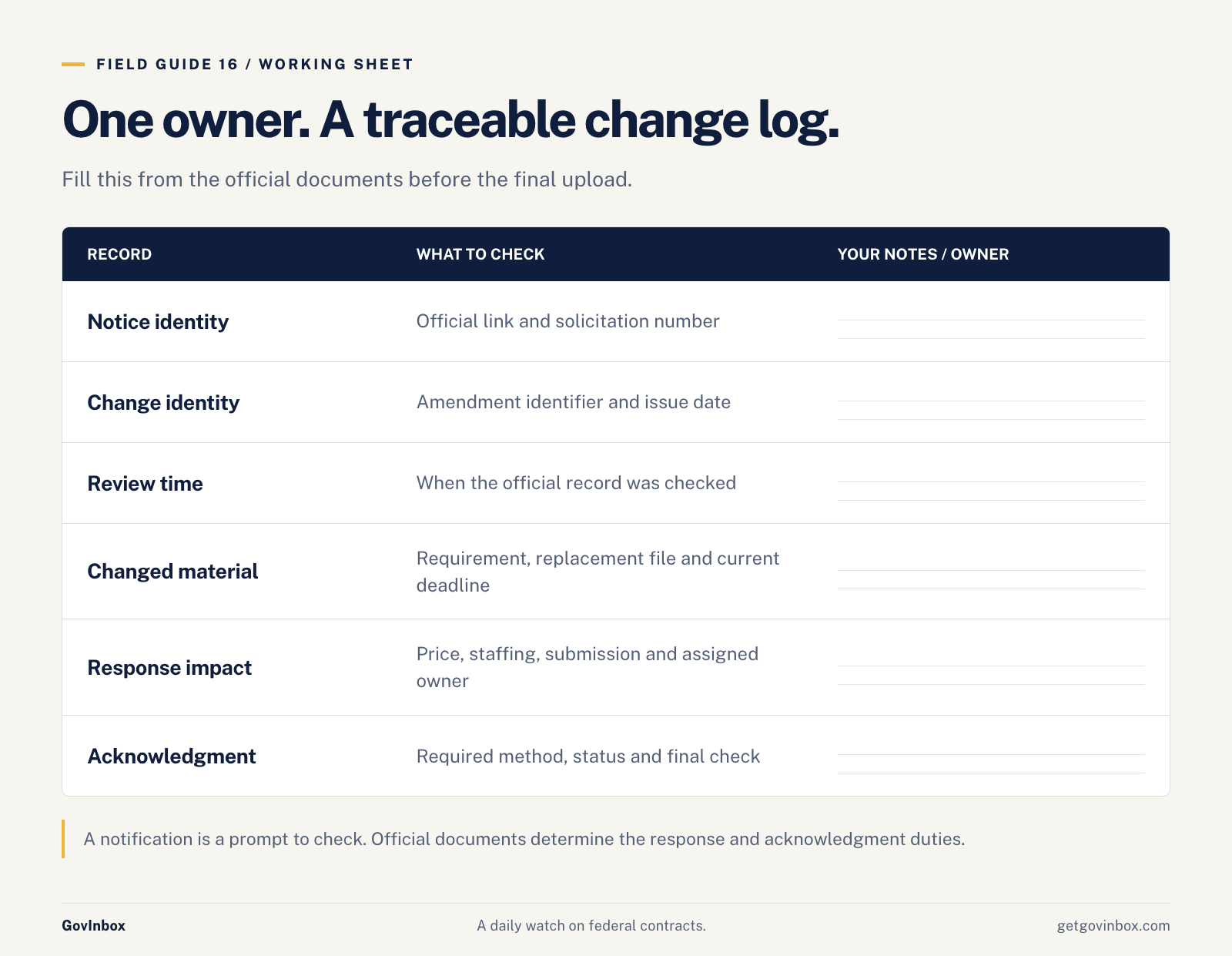
Choose one person to check updates for each active pursuit.
Use a simple log with these fields:
- Notice link and solicitation number.
- Amendment identifier and issue date.
- Date and time checked.
- Changed requirement or replacement file.
- Effect on price, staffing, or submission.
- Response owner and acknowledgment status.
When an update arrives, tell everyone whose work it affects. A pricing owner cannot use a revised quantity that never reaches their worksheet.
Keep older versions in a clearly marked archive. They can help you trace a change, but the response team should know which files to use now.
Acknowledgment belongs on the submission list
Acknowledging an amendment means confirming that you received it in the way the solicitation requires.
Check the instructions for each change. The required method may involve a form or a statement in your response.
For sealed bidding, failure to acknowledge a material amendment can make a bid unacceptable. A material amendment changes an important obligation. Do not rely on the hope that a missed acknowledgment will be excused.
A notification email can prompt you to check. The official documents determine what you must do.
Start this habit today
For each opportunity you are considering:
- Assign an amendment owner.
- Save the official notice link.
- Record the current deadline and time zone.
- Download and log every applicable amendment.
- Route changes to the people preparing the response.
- Revisit bid/no-bid when a change affects feasibility.
- Confirm required acknowledgments before submission.
- Check the official notice again before the final upload.
Open one saved notice now and compare its current attachments with your bid folder. Fix the working document set before you write another page.